IPB

Welcome Guest ( Log In | Register )

 Forum Rules Forum Rules
6 Pages V   1 2 3 > »   
Reply to this topicStart new topic
> Recolour Mod Mars v1.2, a human weapon and armour recolour mod for UFO: Afterlight
Merlon
post Mar 11 2007, 06:35 PM
Post #1


Member
**

Group: Members
Posts: 84
Joined: 25-February 07
From: Norway
Member No.: 4711


Recolour Mod Mars v1.2
a human weapon and armour recolour mod for UFO: Afterlight

by Merlon

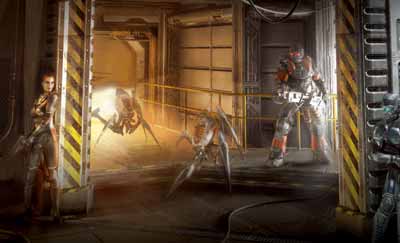
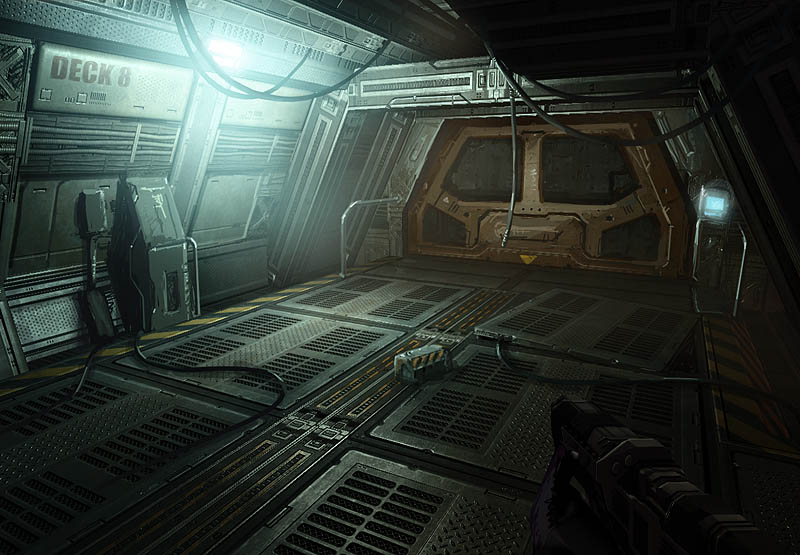
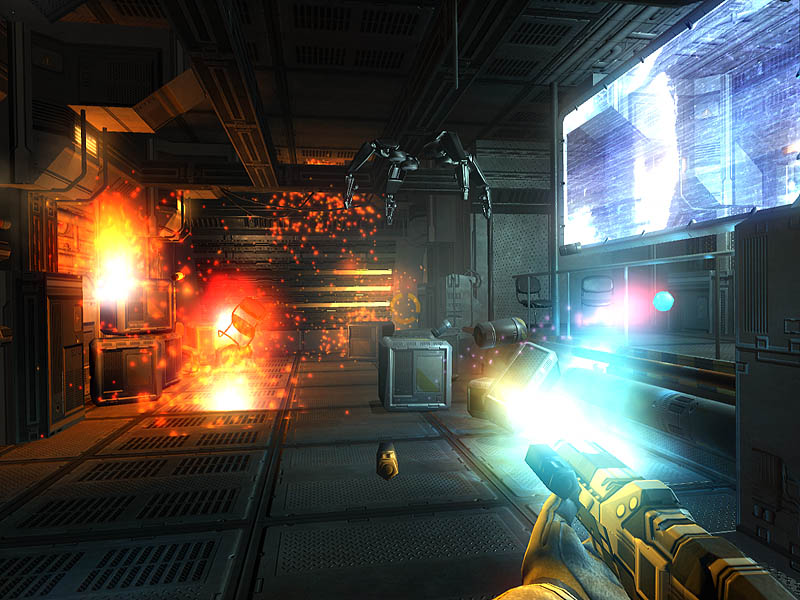
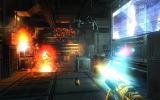
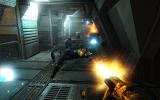
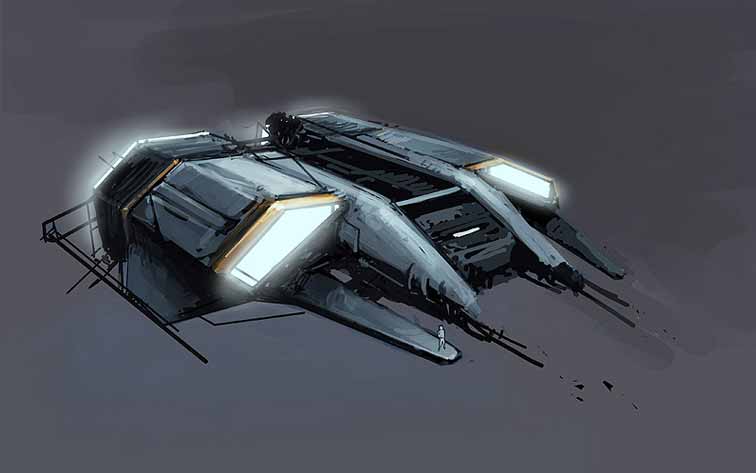
This mod alters the blue and red colourscheme used on weapons and armours to one of several new colourschemes. Take a look at the five images above and the excerpt from the readme file below for details.


Excerpt from mod_rmm_readme.txt:

About the files
===========================================================
This mod has a modular approach to allow for alternate colourschemes. While it's intended to play with one colourscheme at a time there's nothing stopping you from mixing and matching as you see fit. Just remember that you can't have both A1, A2 and B1-sets enabled on the same armourtype at the same time, as only one will display.

The alternate skin files can be found in the "RMM_data" directory of the mod package and enabled with the included installer. Here's a general rundown of what each fileset does:

_A1 files are in the standard Recolour Mod Mars colourscheme. Its main purpose is an added sense of realism as the armours tend to blend a better with the envirionment.

_A2 files share the same colourscheme as A1, but their textures are a bit less dirty and with less wear.

_B1 are remixed versions of what was previously released as "Recolour Mod Urban intital concept". This set is mostly in a grey and black palette. As such its purpose is not realism, but variety for the time you find yourself getting bored with the A-set or the stock armours.


Since the mod is modular the armours have been split into their own files. The files and what they affect is as follows:

Required:
mod_rmm_shared.vfs - to cut down on downloadsize this file contains some files used often across all colourschemes. As such this file is required for the mod to work.

Sets: ("A1" set listed)
mod_rmm_A1_ArmourH.vfs - heavy armours
mod_rmm_A1_ArmourL.vfs - light armours except the open armour
mod_rmm_A1_ArmourM.vfs - medium armours
mod_rmm_A1_ArmourO.vfs - open armour
mod_rmm_A1_Drones.vfs - human drones and their related interface pictures
mod_rmm_A1_Weapons.vfs - human weapons and items texture
mod_rmm_A1_InterfaceP.vfs - adjusted interface pictures for most items affected by the above weapon and item change.

Optional Tweakfiles are compatible with any colourscheme. There are two in this version:
mod_rmm_Tweak_BlueGlow.vfs - restores the blue glow to the computerized heavy suit
mod_rmm_Tweak_OldPics.vfs - restores the interface armour pictures to stock

Please see the included pictures for a preview of what each set looks like. (mod_rmm_Armours_Heavy.jpg, mod_rmm_Armours_Light.jpg, mod_rmm_Armours_Medium.jpg, mod_rmm_Armours_Open.jpg and mod_rmm_Interface_Pictures.jpg).


Installation
===========================================================
1) Extract the mod to your UFO:AL home directory keeping the directorystructure intact.
2) Run the included "mod_rmm_mod selector.bat" to select a main colourscheme and optional extras.
3) Enjoy the game!


Since this mod only changes the cosmetics of the game the mod can be added or removed at any time, no restart required. To uninstall simply deselect all modfiles in the mod selector program.


Compatibility
===========================================================
The mod should be fully compatible with any other mod as long as they don't change any of the files listed below. The alternate colourschemes share their parent scheme's filelist. Ie: mod_rmm_A1_ArmourH.vfs and mod_rmm_B1_ArmourH.vfs both modify the same files and are uncompatible. If conflict occurs the newest (contained) file will take precedence.

[Too many files to list in this post. Please see included readme for a full file listing]


===========================================================
History log
===========================================================
1.2 (April 30, 2007)
added: new installer for ease of use
added: 102 new interface pictures added as interface set B1. (34 items)
added: 33 new interface pictures to interface set A1. Mostly new armourpics.
added: 21 new human drone related pictures. (armour, parts and corpse)
added: Tweak_blueglow file: the blue glow of the computerized suit is now optional
added: Tweak_oldpics file: allows you to revert back to standard armourpictures.
added: Minor personalization to the heavy suits. (icons and some text)
changed: New namingscheme...again. (sorry)
changed: medium armours updated with new textures.
changed: Set A1 interface pictures for the Rifle, pistol, shotgun, sniper and robot rifle updated to conform with the rest.
changed: Minor changes to 33 other interface pictures of set A1.
changed: Open armour made independant of the light armour file.

1.1 (April 19, 2007)
Open armour recoloured
Added alternate colourschemes
An updated version of "Recolour Mod Urban" included as alternative colourscheme.
Worn look addded to suits based on the white space suits (set A only)
Added worn look to medium armours. Two types available (set A and B)
Interface pictures for most tactical items updated to fit the mod

1.0 (April 3, 2007)
Changed the advanced medium armour's model, now based on the medium battle model due to mapping errors.
Female advanced medium's texture separated to resolve a mapping error when painting the side torso area.
Complete retexture of the advanced medium armour.
Added MTek shoulderbadges to the heavy battle and heavy advanced armours.
Added human faction logo to medium battle, heavy, heavy battle and lifesupport armours.

0.9 (March 11, 2007)
First public release since "desert recolour mod"


Download v1.2
9.64MB (zip)
From StrategyCore
From Savefile


Older versions
v1.1
4.95MB (zip)
From Savefile

v1.0 (line-up picture)
1.45MB (zip)
From Savefile

v0.9 (line-up picture)
1.77MB (zip)
From Savefile


--------------------
IPB Image
Go to the top of the page
 
+Quote Post
ShadoWarrior
post Mar 11 2007, 06:40 PM
Post #2


Chief UFO Modder
****

Group: Honoured
Posts: 3882
Joined: 28-October 05
From: Twilight Zone
Member No.: 1316


Great job, Merlon! Thanks for doing this so fast. I hope you're still trying to figure out how to get rid of that shiny s**t on the advanced medium armor?


--------------------
IPB Image
Go to the top of the page
 
+Quote Post
Slaughter
post Mar 11 2007, 06:59 PM
Post #3


High Member
****

Group: Admin
Posts: 1527
Joined: 7-April 04
From: Norway
Member No.: 4


Added to StrategyCore.co.uk

Looking good!


--------------------
Greetings from Olav (Staff at StrategyCore.co.uk, Slaughter)
Go to the top of the page
 
+Quote Post
Merlon
post Mar 11 2007, 07:01 PM
Post #4


Member
**

Group: Members
Posts: 84
Joined: 25-February 07
From: Norway
Member No.: 4711


Thanks guys.
QUOTE
I hope you're still trying to figure out how to get rid of that shiny s**t on the advanced medium armor?

Yeah, the whole armour is acting a bit funny though, as you remember. Haven't had time to look at the internals of the model yet, hence the texture reset and release while I find time to tinker.

For anyone not familiar with the problem the medium advanced uses different parts of the texture on the male vs the female model. This in turn causes alot of stretching once the shiny void is removed. Making the texture shine through the void is easy enough: Just add a copy of "male_medium_battle_spec.dds" named "male_medium_stalker_spec.dds" into the mod.


--------------------
IPB Image
Go to the top of the page
 
+Quote Post
PetteriB
post Mar 11 2007, 08:25 PM
Post #5


Chief Patchmaker
***

Group: Honoured
Posts: 740
Joined: 19-August 05
From: Finland
Member No.: 927


Wow, nice work!

If you have time, could you also consider doing something about the Martian robots and Martian bases too? They look way too shiny for being constructed several hundred/thousand years ago.


--------------------
Go to the top of the page
 
+Quote Post
Rising Phoenix
post Mar 11 2007, 10:54 PM
Post #6


Member
**

Group: Members
Posts: 255
Joined: 17-February 07
Member No.: 4519


Awsome work.
Go to the top of the page
 
+Quote Post
Tampa_Gamer
post Mar 11 2007, 11:42 PM
Post #7


Member
**

Group: Members
Posts: 61
Joined: 21-October 05
Member No.: 1112


QUOTE (PetteriB @ Mar 11 2007, 08:25 PM) *
If you have time, could you also consider doing something about the Martian robots. . .


PetteriB, I did a quick texture mod for the robots and uploaded it to strategycore. As soon as it gets approved and posted, I will post a link.
Go to the top of the page
 
+Quote Post
PetteriB
post Mar 12 2007, 12:08 AM
Post #8


Chief Patchmaker
***

Group: Honoured
Posts: 740
Joined: 19-August 05
From: Finland
Member No.: 927


That's great! I'll look forward to it.


--------------------
Go to the top of the page
 
+Quote Post
Merlon
post Mar 12 2007, 10:42 AM
Post #9


Member
**

Group: Members
Posts: 84
Joined: 25-February 07
From: Norway
Member No.: 4711


QUOTE (switch @ Mar 12 2007, 08:27 AM) *
IDEA: Make the Light Battle Suit (the ones that look like the initial basic suits, only without the helmet) green&stuff. After all, those 1-environment resistance suits are meant to be used in highly terraformed environments that are usually full of vegetation & other green stuff (NOT Martians, mind you).

Also in the unmodded game, those armours are only useful for snipers - it's only logical that they look camo&stuff.

Yeah, I was considering slowly increasing the level of camouflage on the armours based on the standard white spacesuit. A way of reflecting the inhabitants adapting equipment to local conditions. However, they all use the same texture for said whiteness, so changing one changes all.

The only way to change that would be to modify the references to textures in the modelfiles. Now I might end up changing the modelfiles a bit to fix the advanced medium, so the leap to change the open armour as well isn't that big. Just need to find the time and decide what changes are 'needed'.


--------------------
IPB Image
Go to the top of the page
 
+Quote Post
Rising Phoenix
post Mar 12 2007, 04:12 PM
Post #10


Member
**

Group: Members
Posts: 255
Joined: 17-February 07
Member No.: 4519


The colors look awsome.

However, is there any way to change the basic white of the starting space suits to something more like an off white?
Go to the top of the page
 
+Quote Post
ShadoWarrior
post Mar 12 2007, 04:25 PM
Post #11


Chief UFO Modder
****

Group: Honoured
Posts: 3882
Joined: 28-October 05
From: Twilight Zone
Member No.: 1316


Actually, the current white color makes sense for two reasons:
  1. these are the original colonial suits, and combat wasn't expected
  2. bright white reflects more heat than off-white
The light battle armor should be retextured, but that might be impossible since I think it shares the same texture as the other light suits.


--------------------
IPB Image
Go to the top of the page
 
+Quote Post
Von Salza
post Mar 12 2007, 06:12 PM
Post #12


Newbie
*

Group: Members
Posts: 18
Joined: 28-February 07
Member No.: 4778


Same here

I cannot remove the shine/gloss effect on the stalker armour arms, the rest is ok.
I think the best way is to discart the stalker armor altogether, replace with the medium armor model, and change the links to other textures. If possible that is.


Presently I have a stupid solution, I recolored the medium armour blue (from grey) and made another recolour to black.

I made 2 mods

- mod with the blue texture and medium armor model for when I'm using the medium armour
- mod with the black texture, renamed medium armour to stalker armour model, for when I'm playing with advanced medium armour.

I tried to change some past and present cammo patterns to that brick and green mars landscape tones, It looks awful, or perhaps I', just no good at it.
Go to the top of the page
 
+Quote Post
BonezZ
post Mar 12 2007, 10:23 PM
Post #13


Newbie
*

Group: Members
Posts: 3
Joined: 13-February 07
Member No.: 4446


Woow great textures!! they look 100 time more better then the original ones
Go to the top of the page
 
+Quote Post
switch
post Mar 14 2007, 11:24 AM
Post #14


Advanced Member
***

Group: Members
Posts: 422
Joined: 23-January 07
From: Romania
Member No.: 4299


Wouldn't it be possible to mod in a new armour that replaces the current "Light battle Armour" and is textured differently? I.e. more like modding in a new item with a different modl than changing an existent one?


--------------------
Formerly known as switch.. Special thanks to Alphadrop for the avatar pic.
Go to the top of the page
 
+Quote Post
switch
post Mar 15 2007, 12:33 PM
Post #15


Advanced Member
***

Group: Members
Posts: 422
Joined: 23-January 07
From: Romania
Member No.: 4299


QUOTE (Merlon @ Mar 12 2007, 12:42 PM) *
QUOTE (switch @ Mar 12 2007, 08:27 AM) *

IDEA: Make the Light Battle Suit (the ones that look like the initial basic suits, only without the helmet) green&stuff. After all, those 1-environment resistance suits are meant to be used in highly terraformed environments that are usually full of vegetation & other green stuff (NOT Martians, mind you).

Also in the unmodded game, those armours are only useful for snipers - it's only logical that they look camo&stuff.

Yeah, I was considering slowly increasing the level of camouflage on the armours based on the standard white spacesuit. A way of reflecting the inhabitants adapting equipment to local conditions. However, they all use the same texture for said whiteness, so changing one changes all.

The only way to change that would be to modify the references to textures in the modelfiles. Now I might end up changing the modelfiles a bit to fix the advanced medium, so the leap to change the open armour as well isn't that big. Just need to find the time and decide what changes are 'needed'.


QUOTE (ShadoWarrior @ Mar 15 2007, 11:42 AM) *
QUOTE (switch @ Mar 15 2007, 05:33 AM) *

With the integration of the recolor mod, would it be possible to add an armor type that doesn't use the same texture as the Light (initial) armor and instead is using a different one? If so, I suggest (again, I believe) making a greenish Light Battle Armour that replaces the default one (for which I understand the base texture cannot be changed without affecting the initial armors as well). I'm not sure if this is possible tho.

The recolor mod isn't integrated. It's bundled. They are still separate mods.

It's possible to do as you ask. What it would take is for a modeler to copy the existing model, then edit it to use a different texture file. Then someone has to create that alternate texture. Such alternate textures are not even on our to-do list, nevermind that our sole modeler already has a very full inbox of requests, especially with v1.08 having progressed from alpha to beta (I expect that I'll be releasing it later today ) and work already begun on v1.09.


I think I got my answer from ShadoWarrior. While slightly outside the scope of your current mod, would you be willing to consider implementing the suggested 'Camo' armour?


--------------------
Formerly known as switch.. Special thanks to Alphadrop for the avatar pic.
Go to the top of the page
 
+Quote Post

6 Pages V   1 2 3 > » 
Reply to this topicStart new topic
1 User(s) are reading this topic (1 Guests and 0 Anonymous Users)
0 Members:


Lo-Fi Version Time is now: 3rd September 2010 - 08:08 AM